
Plan members are invited by plan owners via invite email:
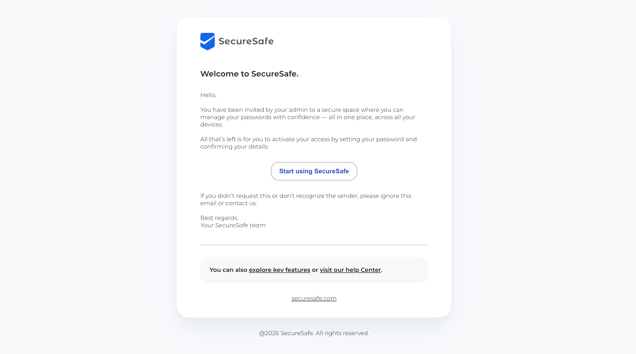 Click on the Start using SecureSafe button will lead you to the welcome screen and ask you to enter and confirm a password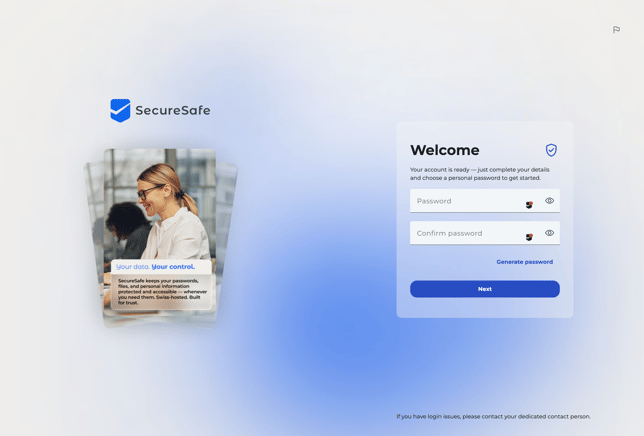
- Click Next, you will be ask to enter your details to create your account
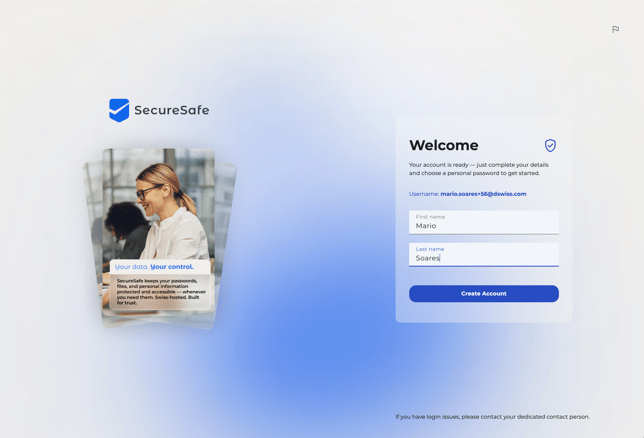
- Click Create Account
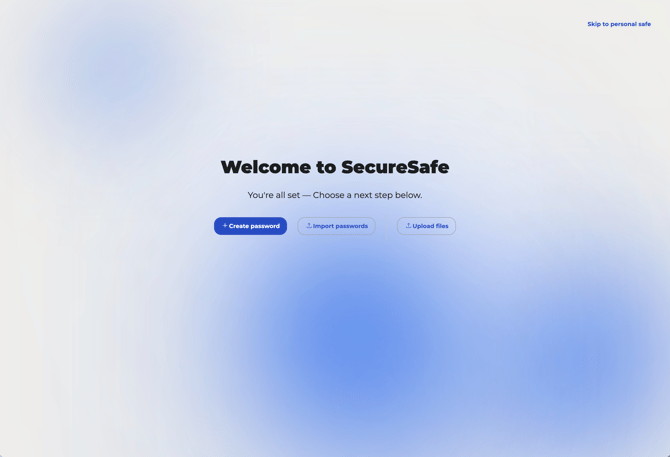
- You now will be welcomed to SecureSafe Pass and are able to create passwords in the application:
Note:
As plan member you have no further plan settings, since you have been invited by the plan owner. Always contact your plan owner for user role adjustments or similar.