
Overview
SecureSafe Exchange users who have the Provider role can create and manage Administrators within the SecureSafe Exchange platform.
This article outlines the steps to create and manage Administrators.
Create a new Administrator
Follow these steps:
- Login to SecureSafe Exchange
- Click + icon to add a new Administrator
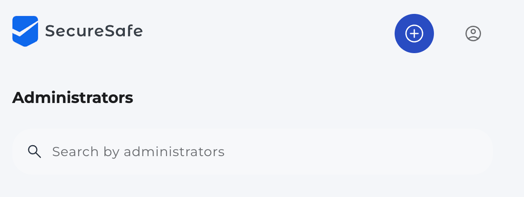
- Fill in the Administrator details form
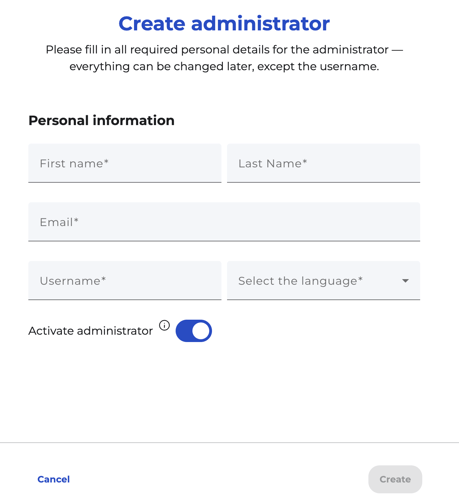
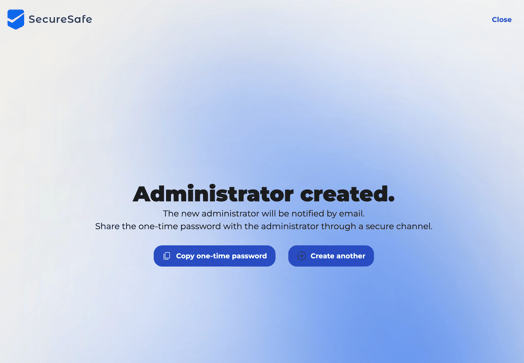
- Click Create. Administrator is created and appears in the dashboard
Important:
The username is unique and can not be changed after creation.
Note:
Administrators can be setup first and activated at a later stage when needed.
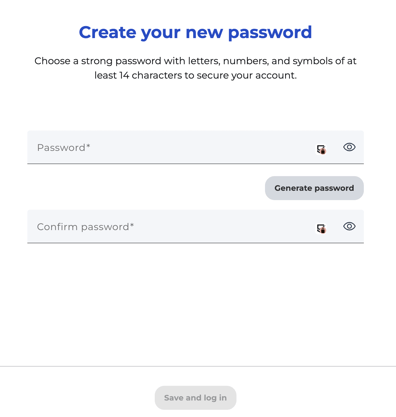
The newly created Administrator will receive an email at the provided email address with a direct link to SecureExchange. They are ask to login to SecureSafe Exchange with their username and the temporary password.
Once login, they are able to setup their own password.
Manage Administrator
- Login to SecureSafe Exchange
- Search for the Administrator in the dashboard
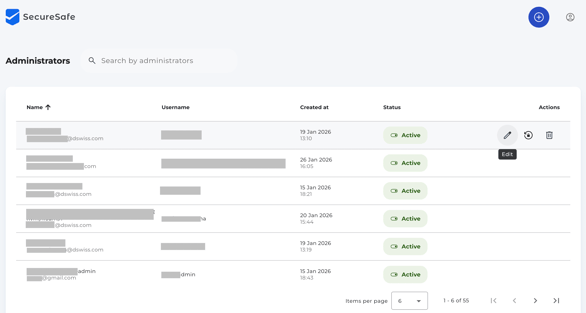
- The following actions are available directly in the table via the respective icons:
- Edit details (first name, last name, email, phone number)
- Reset password
- Activate or deactivate Administrator
- Delete Administrator