
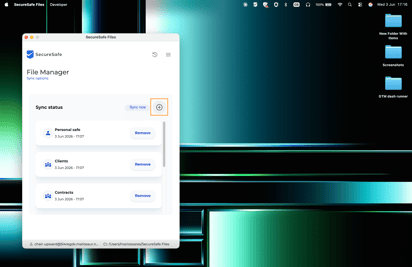
You can also add more safes you have access to at any given time. To do so, click on the Plus button:
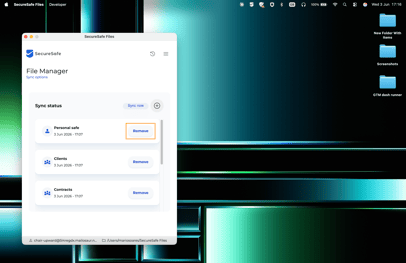
To remove a Safe from being synced with your local device, click on the Remove option:
❌ Attention
If you remove a Safe from being synced with your local machine, the folder for that safe still exists in your SecureSafe Folder. You need to manually delete the folder.