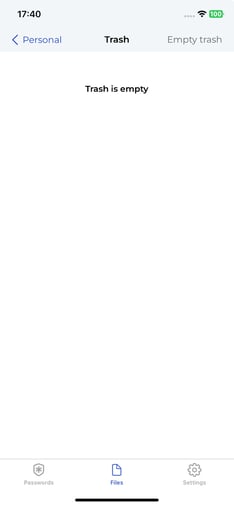
Follow the steps below to permanently empty your Trash folder and free up storage space.
⚠️ Warning: Emptying the trash permanently deletes all items inside. This action cannot be undone.
- To empty the trash, open your Trash folder.
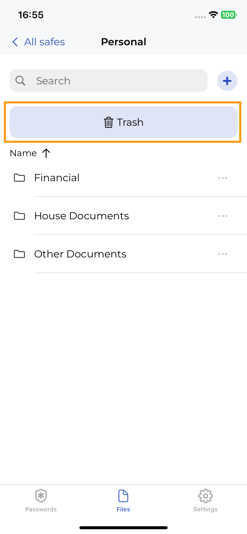
- Tap Empty Trash. A confirmation prompt will appear asking you to verify the deletion.

- The trash folder is now empty.