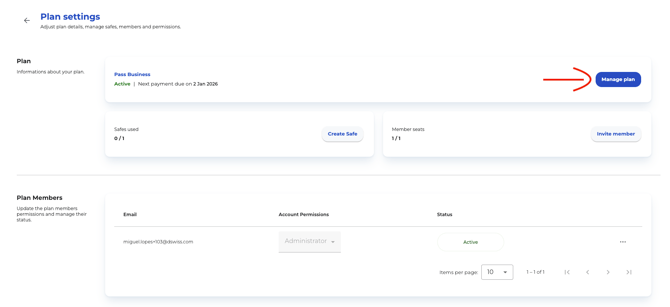
- Go to the Profile Icon in the upper right corner and click on Plan
- By clicking the button Manage plan ...
-
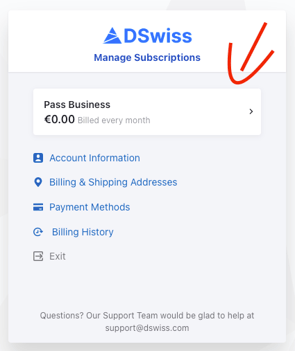
... you are directed to the Manage Subscripton page
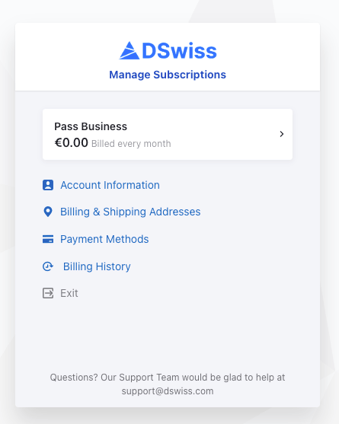
Below you'll find more detailed informtion on each action available within the managed subscription context:
Account Information
In this sectionn, you can view your email adress, account name, comapny name (if applicable) and your preferred language for all communications and plan information.
Billing & Shipping Addresses
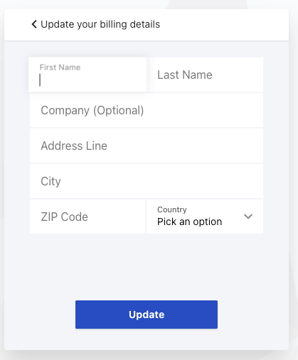
In this section, you can add or update your billing information if it was not provided previously. This information is used for invoicing and all billing-related processes.
Changes made here, especially to the country, may affect language-related settings. Updates apply only to future invoices and do not affect past invoices.
Payment Methods
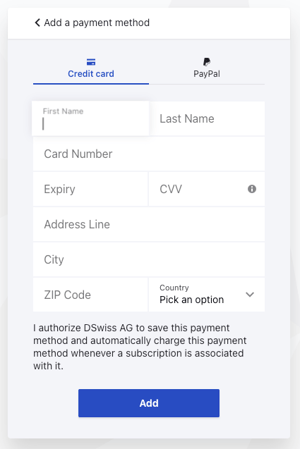
In this section, you can add or update how you pay for your plan. All available payment options are displayed here (currently credit card and PayPal).
Your account must always have one primary payment method.
Billing History
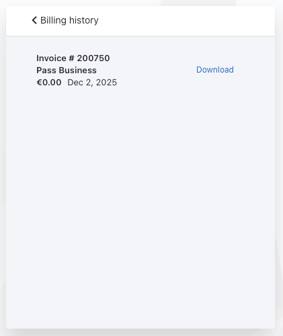
In this section, you can view all payments, download past invoices and review the evolution of your account.
Plan Overview & Upgrades
You can select your current plan to access a detailed view of your subscription and available upgrade options.
In this sub-section, you can see your active plan and the amount due on your next bill. Coupons that apply only to the initial purchase are not shown here; they appear only in Billing History.
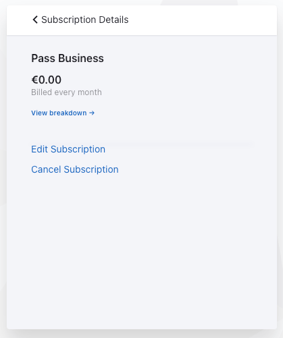
From here, you can follow one of three paths:
-
View Breakdown
-
Edit Subscription
-
Cancel Subscription
View Breakdown
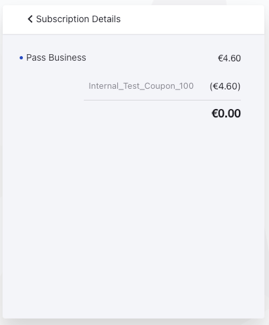
In this view, you can see your current subscription status, the price of your plan, and any discount coupons currently applied.
Edit Subscription
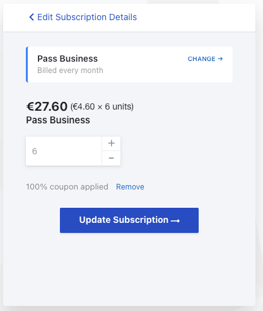
This section allows you to upgrade your subscription. Downgrades are not supported.
If your plan is user-based, you can also purchase additional users here.
Upgrade paths follow defined rules:
-
B2C plans (Personal Plans):
From Pass Solo, you can upgrade only to Pass Family, Bundle Solo, or Bundle Family, in that order. -
B2B plans:
From Pass Starter, you can upgrade to Pass Pro, Pass Business, Bundle Starter, Bundle Pro, or Bundle Business. -
You can upgrade from File to Bundle, but never from Pass to File.
-
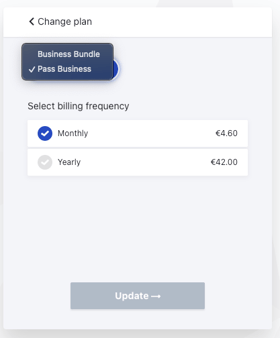
Monthly plans can be upgraded to either monthly or yearly plans.
Note: Once upgraded to a yearly plan, switching back to monthly is not possible.
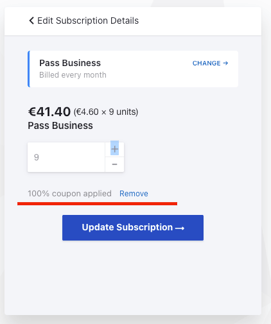
In this area, you can also see which coupons apply to your upgrade:
-
General coupons remain valid when upgrading.
-
Plan-specific coupons are removed when switching to a different plan.
-
Coupons can be manually removed if desired.
Cancel Subscription
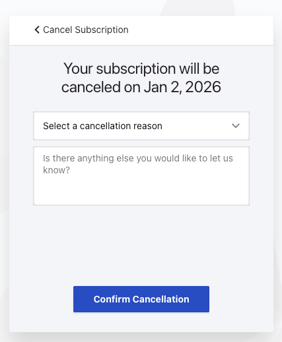
In this section, you can cancel your subscription.
A cancellation reason is required to help us improve. You may also provide additional feedback or context if you wish.